

BLIT386
A palette-first retro game engine for the web. Change what a color means, and everything drawn in it changes at once.
BLIT386
A palette-first retro game engine for the web. Change what a color means, and everything drawn in it changes at once.
Get startedDocumentationBLIT386 is a palette-first retro game engine for the web. Palette-first means you draw with numbered colors rather than RGBA pixels, so changing what color 3 means recolors everything drawn in it at once: a few bytes of palette upload, and water flows or the sky goes dark without a single pixel being redrawn. TypeScript throughout, WebGPU where the browser has it, an automatic Canvas 2D fallback where it does not. The design takes its cue from RetroBlit by Martin Cietwierkowski (@daafu).
Features
Palette-first indexed color
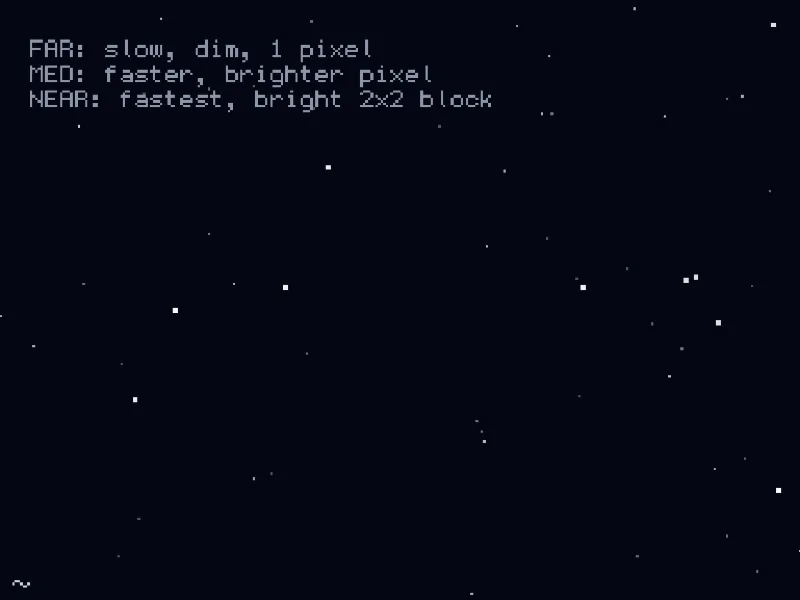
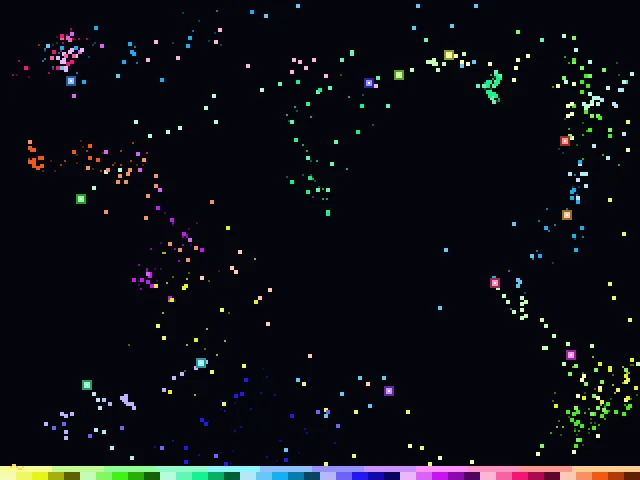
All rendering resolves through a shared 256-entry indexed palette for pixel-perfect, palette-swap-friendly output.
WebGPU with Canvas 2D fallback
WebGPU is the default backend; the engine silently falls back to a Canvas 2D software renderer when unavailable.
Sprites, primitives & bitmap text
Draw textured sprites, colored geometry, and bitmap-font glyphs through a single unified draw API.
Overlay HUD
A built-in debug HUD displays frame timing, palette state, and the active renderer backend at a keypress.
Palette effects
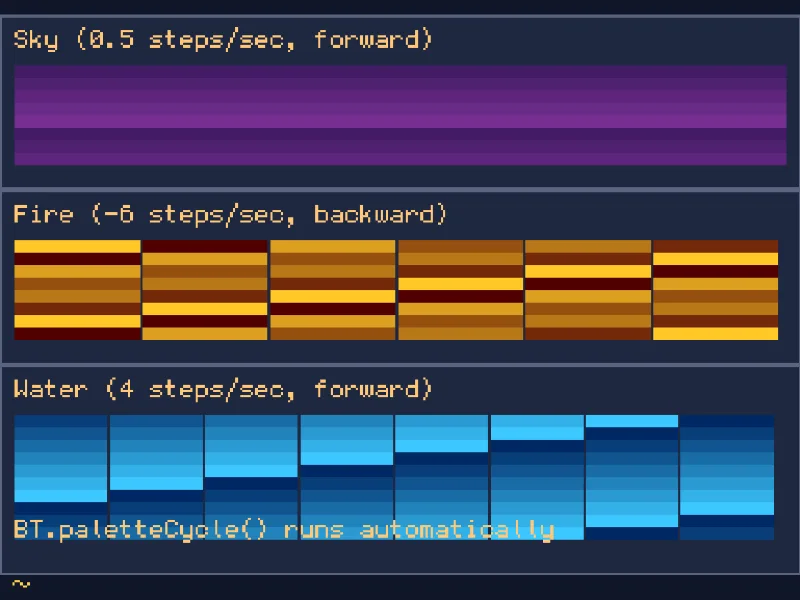
Cycle, fade, flash, and swap palette entries at runtime for classic retro visual effects.
Input: pointer, keyboard & gamepad
Unified input layer covering mouse, touch, pen, keyboard, and gamepad across all modern browsers.
Audio: buses, clips & synth
A full audio subsystem: a three-bus mixer, AudioClip loading and playback, and a procedural synth for
zero-asset sound effects.
Quick start
The fastest way to begin is the scaffolder. It works with npm, pnpm, yarn, or bun and generates a ready-to-run Vite project with the engine installed, a starter game, and local docs:
npm create blit386@latest my-gamePrefer to wire it up by hand or add it to an existing project? Install the package and call bootstrap():
npm install blit386import { , , , type IBTDemo, } from 'blit386';
class implements IBTDemo {
async (): <boolean> {
// paletteCreate() returns a palette; paletteSet() installs it.
const = .(16);
.(1, new (32, 0, 128));
.(2, new (255, 220, 90));
.();
return true;
}
(): void {}
(): void {
.(1);
.(new (10, 10, 40, 24), 2);
}
}
void ();Featured demos
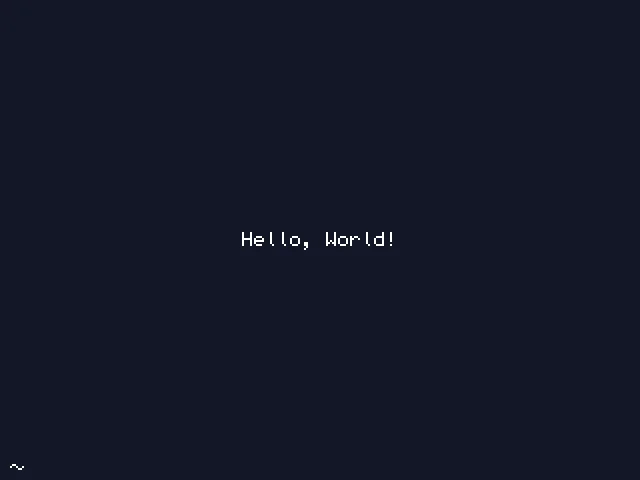
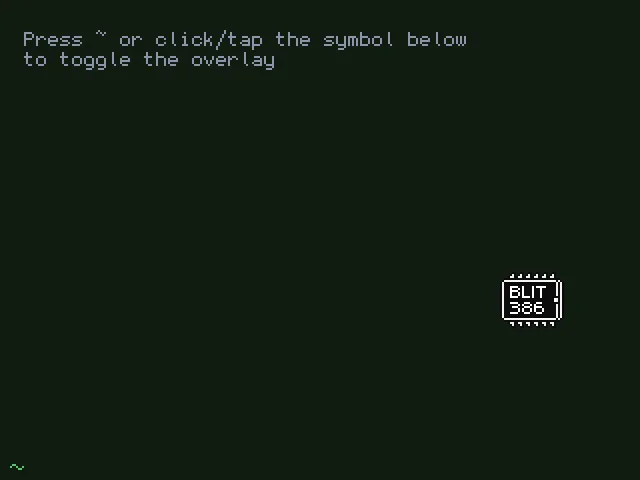
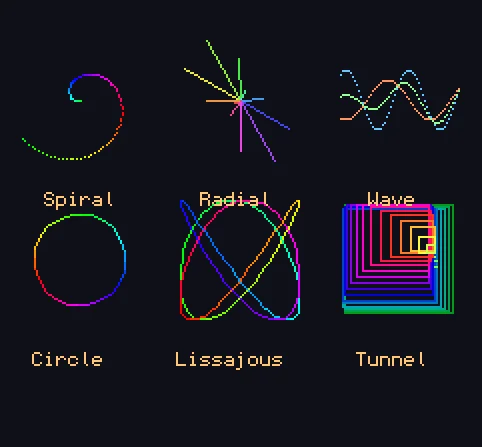
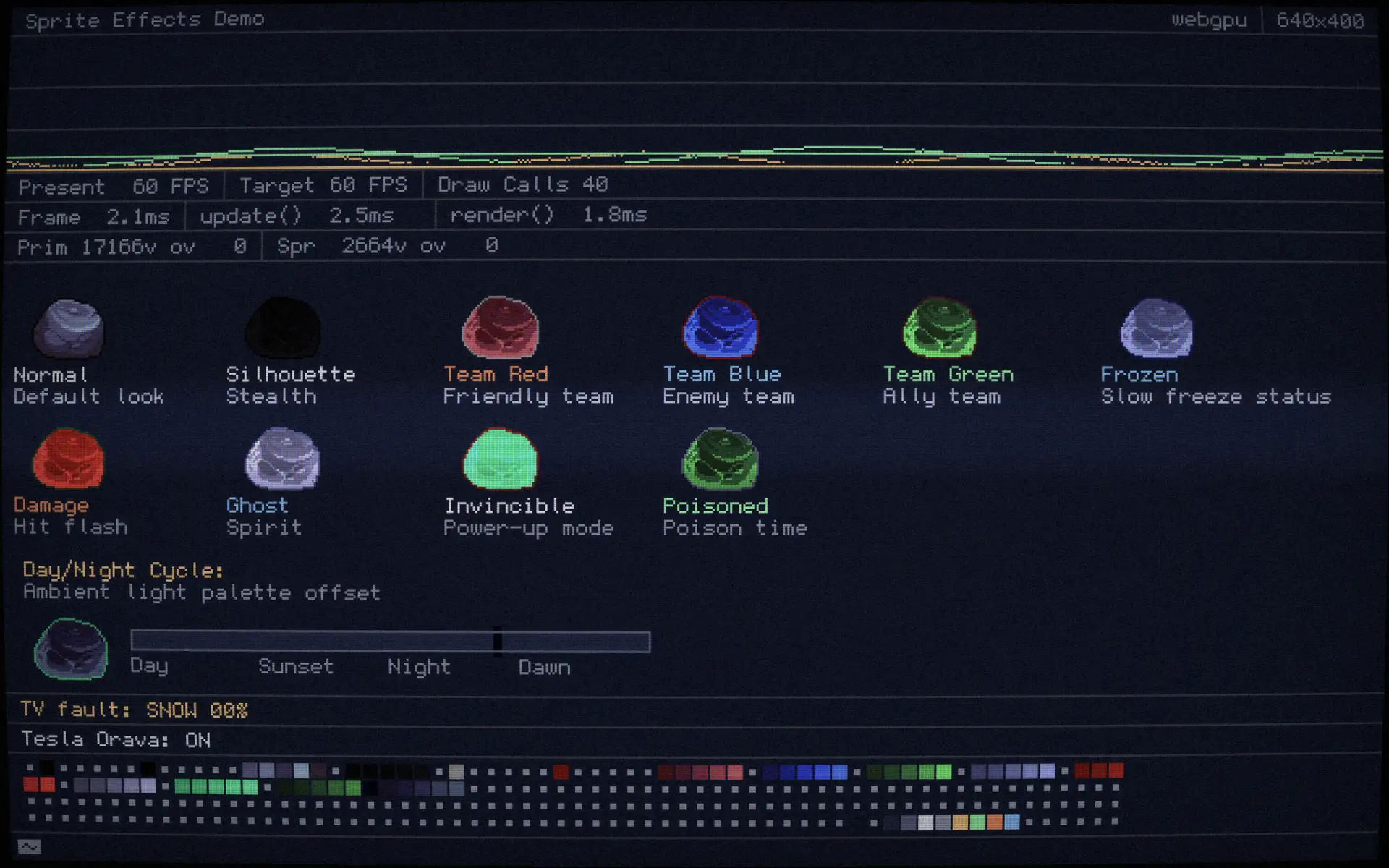
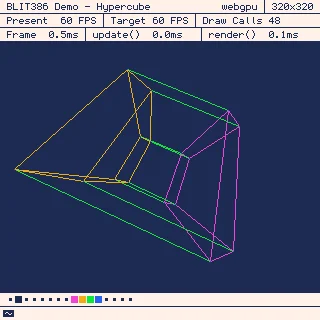
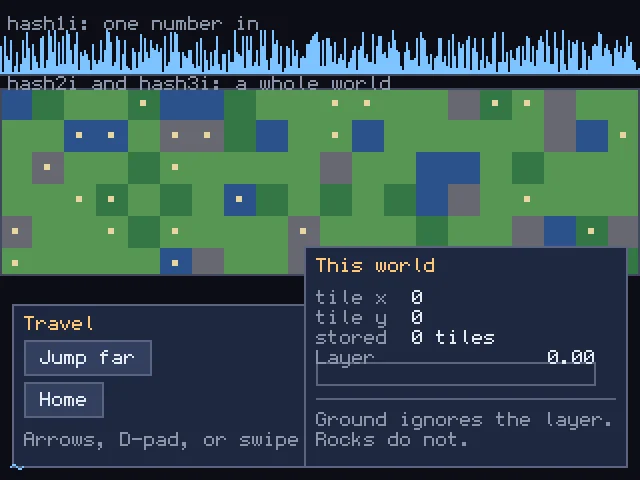
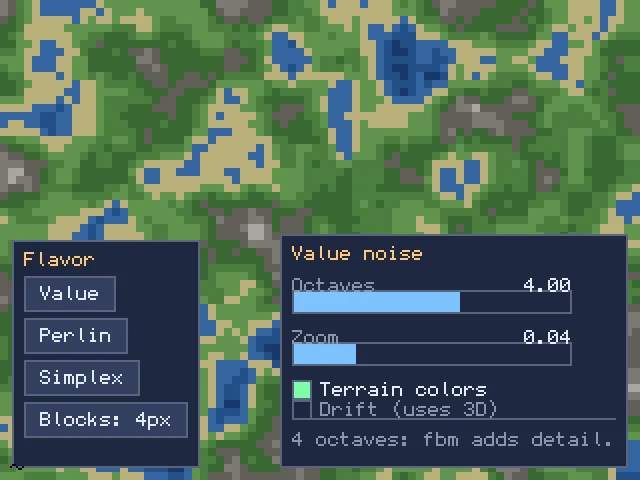
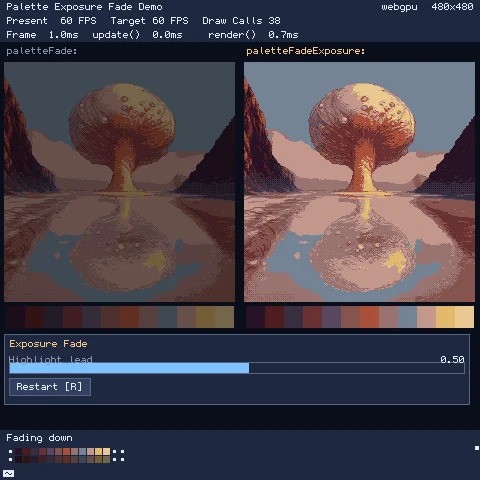
Where to go next
- Documentation - the full public API reference and guides.
- API: Core -
bootstrap(), the game loop, camera, and core types. - Input Guide - pointer, keyboard, and gamepad input.
- Interactive demos - runnable examples for every subsystem.
The engine source lives in the blit386 repository on GitHub.